
Overview
What you can do today
The working product, in one page. Search, review, unlock, outreach, billing.
This is the product you can use now. If a page in these docs describes a click, that click exists in the app.
Search and review
- Sign in with Google or email
- Finish a one-time setup so search can open
- Type a Prompt Search, or start a JD Search (paste or upload)
- Review Active Filters, then run the search
- Read a ranked list or table, sort columns, and filter by fit, location, or role
- Open a profile sheet: work history, education, skills, about, links
- Ask for Insights and an optional GitHub scorecard
Save your work
- Every search is kept under All Searches. You can rename one, bookmark it, or delete it
- Shortlist people inside a search, then work from Shortlists
- Unlocked people live in Contacts. Growth includes Export CSV there
Reach out
- Build an email campaign or a LinkedIn campaign (one channel per campaign)
- Generate per-person drafts, edit them, set a start time (email), then start
- Pause, resume, and watch delivery, opens, clicks, replies, and bounces
- Reply from a unified inbox
- LinkedIn steps are a guided checklist you mark done in the app
Jobs, billing, and settings
- Connect Zoho Recruit and search from a synced job
- Send shortlisted people back to that job (email must already be unlocked)
- Connect Gmail, Outlook, or Zoho Mail for sending
- Choose a plan, watch credits, download invoices
- Update your profile and reach support
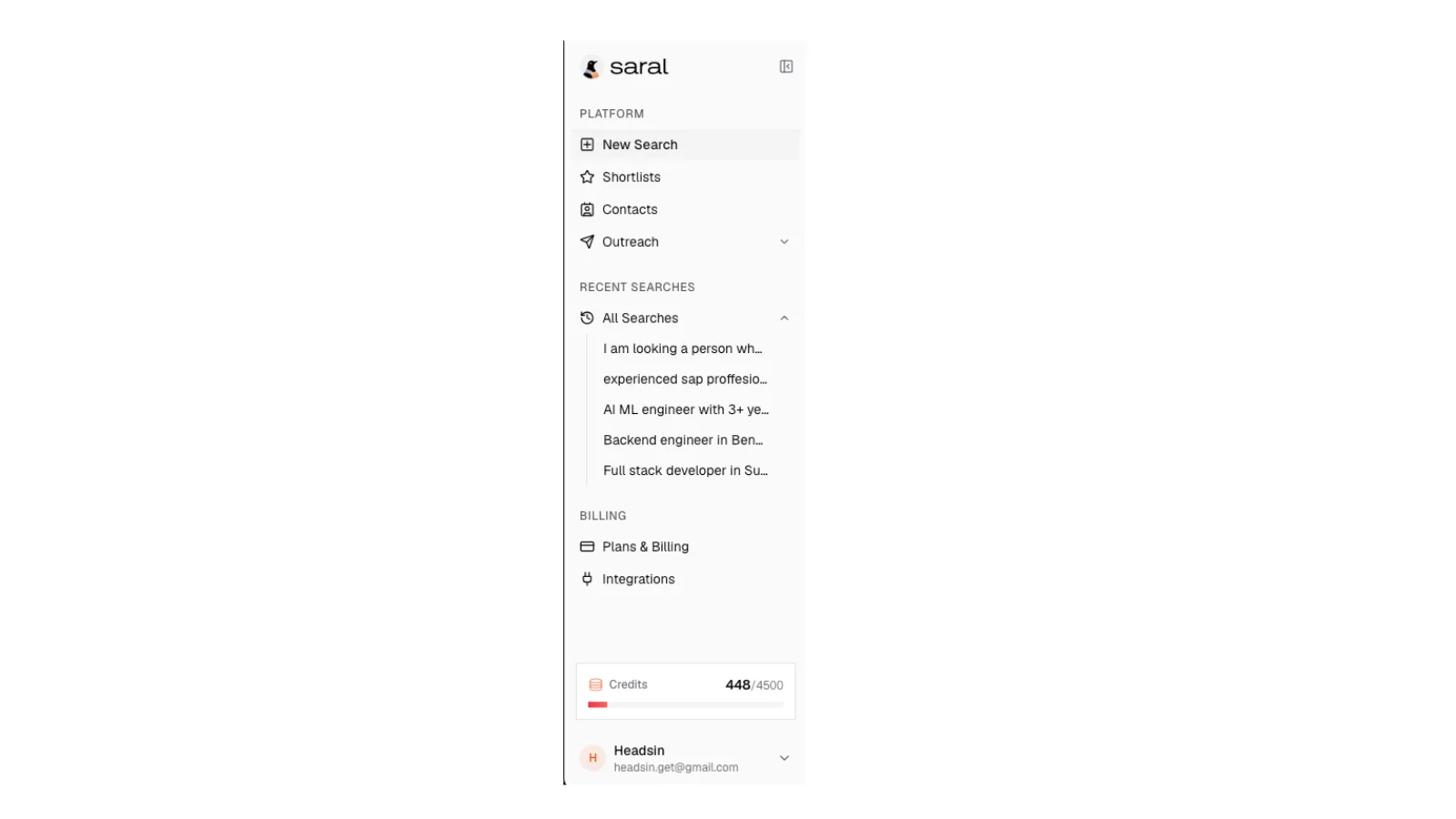
Sidebar after a few searches
SARAL left sidebar showing New Search, Shortlists, Contacts, Outreach, recent searches, Plans and Billing, and Integrations.
Sidebar after a few searches
SARAL left sidebar showing New Search, Shortlists, Contacts, Outreach, recent searches, Plans and Billing, and Integrations.
Honest edges
- LinkedIn outreach is manual tracking today. SARAL tells you the next step. You send it on LinkedIn, then mark it done.
- There is no LinkedIn sign-in. Use Google or email.
- Team seats and shared credits show on Growth and Enterprise. Day-to-day inviting is handled with your SARAL contact if you need more seats. Settings does not have a team-invite page.
- ATS sync today is Zoho Recruit. More ATS options are an Enterprise conversation, not a self-serve catalog.
None of that blocks a first search.