
How it works
How a brief becomes a ranked list, in the order you actually click.
Hiring is a matching problem. You have a brief. The world has millions of profiles. Most of them are wrong for this role, in this city, at this level.
SARAL shrinks that world to a list you can actually read.
You write. Then you review.
On the home page you type a brief, or you upload a job description. Click Find Talent.
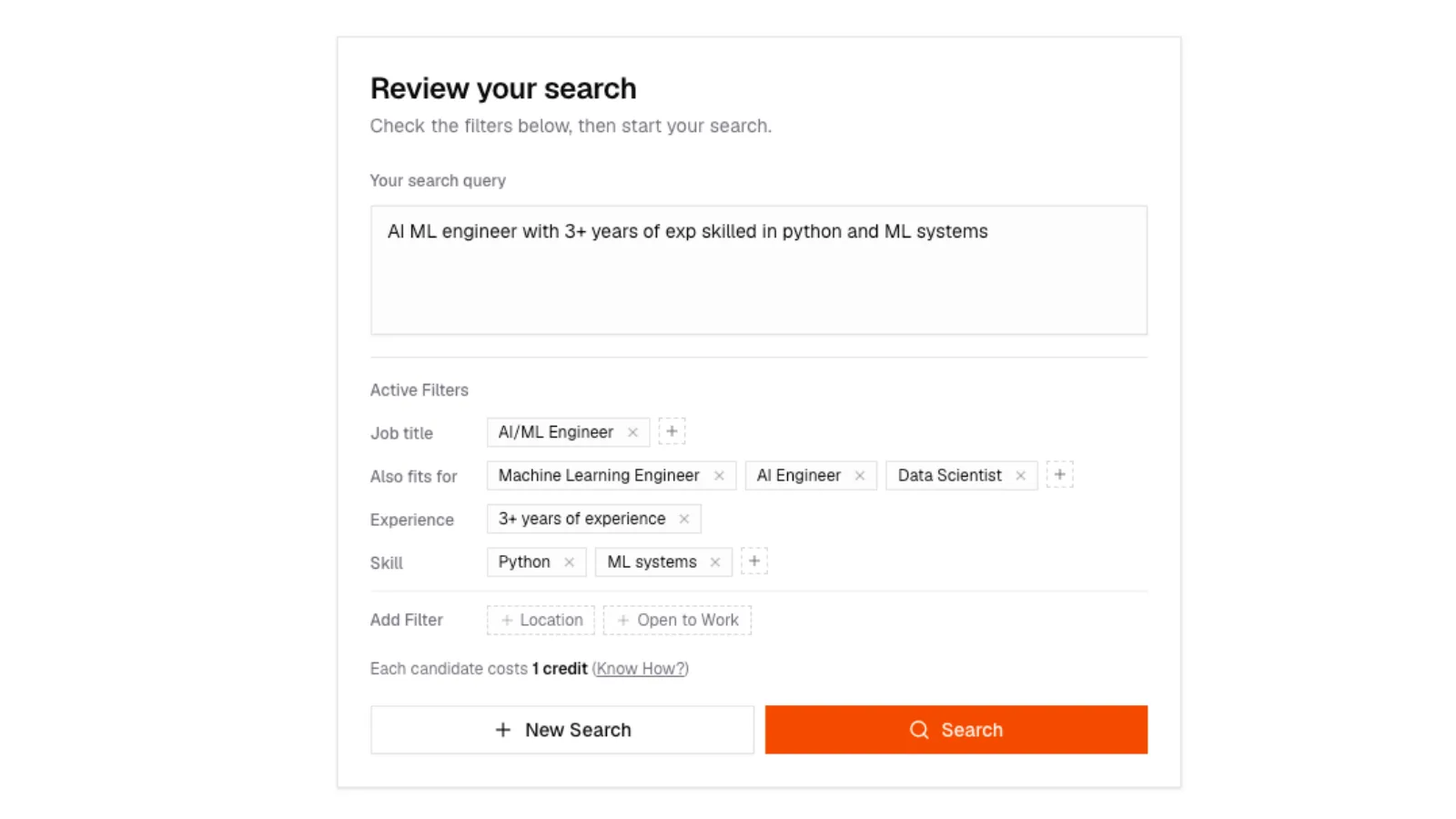
SARAL does not search yet. It opens Review your search. That screen shows Active Filters pulled from your sentence:
- Job title
- Skill
- Experience
- Location
- Preference (for example open to work)
- Other Criteria (fuzzier asks such as SaaS experience)
Add, edit, or remove a chip if SARAL heard you wrong. Then click Search.
Review your search
Review your search screen after Find Talent: the typed brief, Active Filters chips for job title, years, city, and skills, and a Search button.
Review your search
Review your search screen after Find Talent: the typed brief, Active Filters chips for job title, years, city, and skills, and a Search button.
Labels do not appear while you type. They appear after Find Talent, on Review. If a chip is wrong, fix it there before you search.
Then it ranks. It does not just filter.
A filter deletes people. A rank puts the best ones first.
SARAL scores each person against your brief and sorts the list highest first. In the product the fit labels are Excellent Fit, Good Fit, Partial Fit, and Low Fit. You can filter the table by those labels. Weaker rows stay on the list unless you hide them.
Location is the hard gate when you name a place as required. The rest moves the score.
Results can keep arriving
If the first pass is thin, SARAL keeps looking in the background. New people appear on the same search. A late, high-scoring match still lands near the top. Score wins, not who arrived first.
If a search is still expanding, stay on the results page. The list updates on its own. You can keep reading while more people come in.
You stay in control of contact and outreach
Finding someone does not hand out an inbox. Unlocking an email or phone is a separate, explicit action. Adding people to an email campaign can look up missing emails in the background. You review drafts before anything sends.
See Contact details and Sequences.