
Create your account
Sign up with Google or email, verify, and get into SARAL.
You will have an account in a few minutes. After that, a short setup unlocks search.
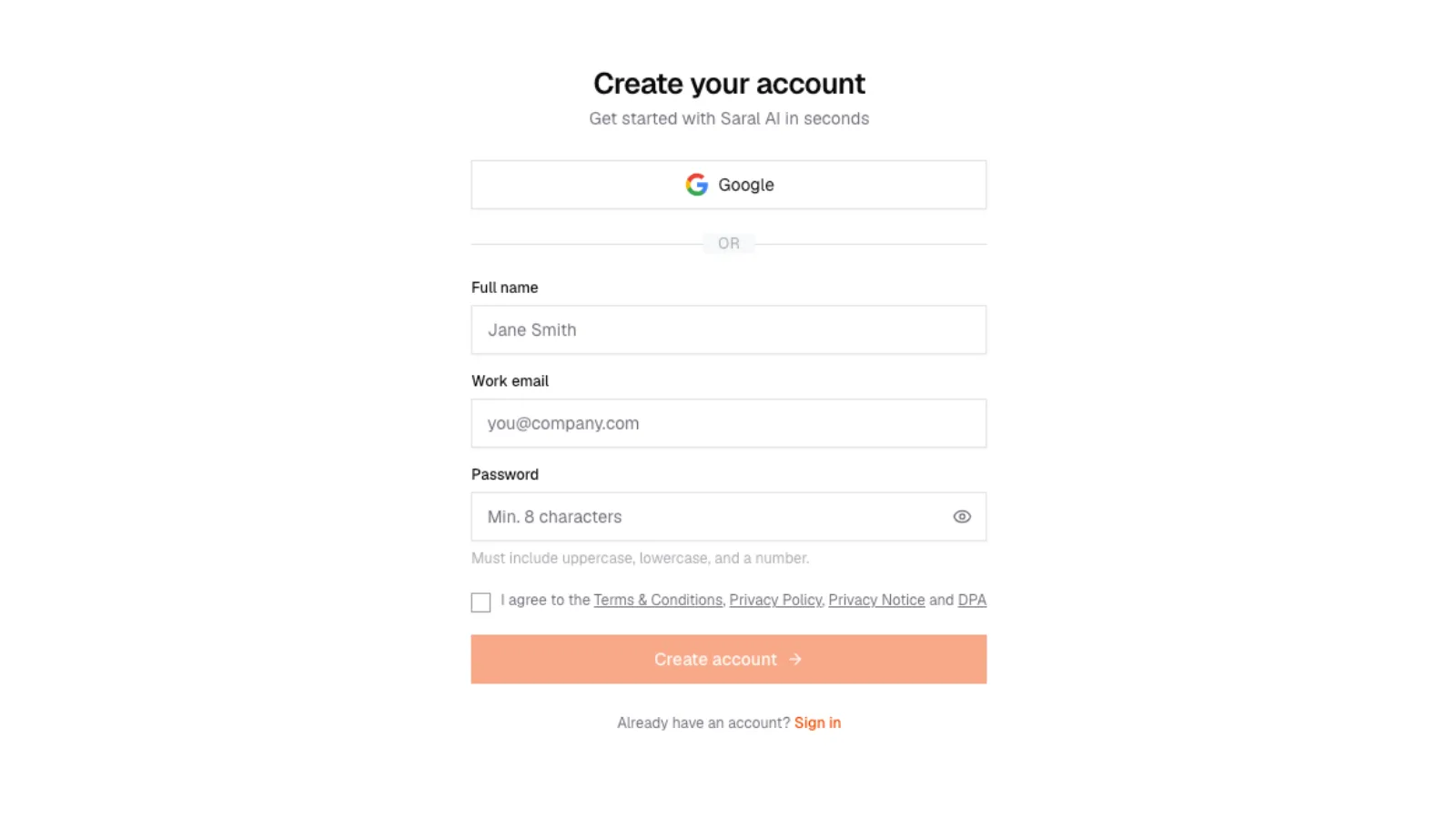
Sign up screen
SARAL sign-up page at app.saralhire.ai with Google, then name, work email, password, and a checkbox for Terms, Privacy, Privacy Notice, and DPA.
Sign up screen
SARAL sign-up page at app.saralhire.ai with Google, then name, work email, password, and a checkbox for Terms, Privacy, Privacy Notice, and DPA.
Sign up
Open SARAL
Go to app.saralhire.ai and choose Sign up.
Pick how you want to enter
- Email (full name, work email, password)
Use the work email you want invoices and support replies to reach.
Password must include an uppercase letter, a lowercase letter, and a number.
Agree and create
Check the box for Terms, Privacy Policy, Privacy Notice, and DPA. Then Create account.
Verify your email (email sign-up)
Check your inbox for a confirmation link. If it is not there, look in spam, then use Resend verification email.
Until the address is verified, you will not get far past login.
Already have an account? Use Sign in. Do not create a second account with a different Google identity if you can avoid it.
Forgot the password? Use Forgot password on the login page.
After you are in
SARAL will ask you to set up your workspace. Search stays closed until that form is done. It is one sitting, three short steps.