
SARAL Docs
Find, score, and reach the right people. Start here.
SARAL is where you go when you know who you need, and you want a ranked list instead of another hour of scrolling.
You type a hire in plain English. SARAL finds matching people, scores them against what you asked for, and ranks the list. From there you open a profile, unlock contact details, and run outreach.
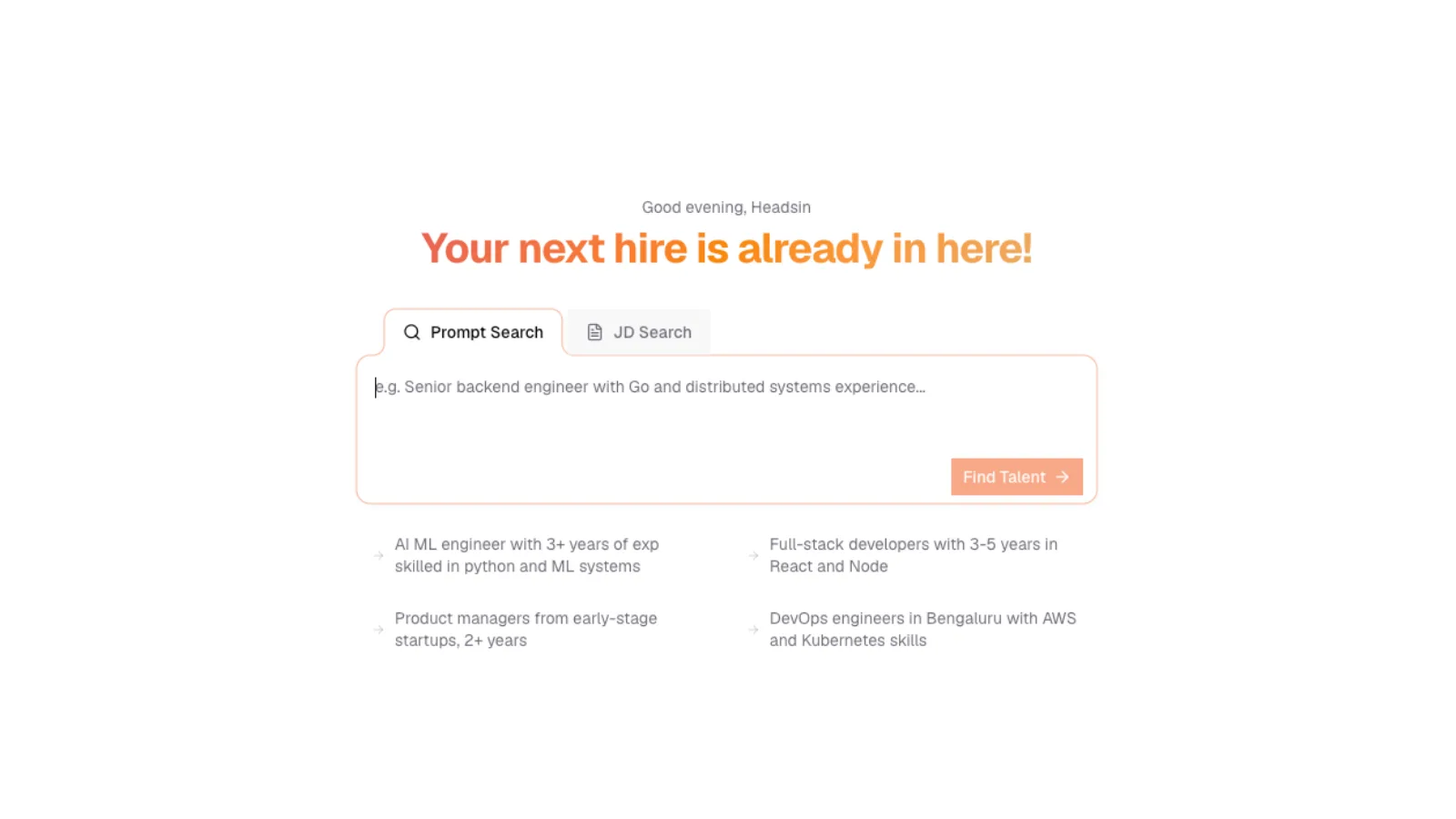
SARAL home after sign-in
The SARAL search home after a recruiter signs in: Prompt Search and JD Search tabs, a large brief box, Find Talent, and Shortlists and Contacts in the left nav.
SARAL home after sign-in
The SARAL search home after a recruiter signs in: Prompt Search and JD Search tabs, a large brief box, Find Talent, and Shortlists and Contacts in the left nav.
Start with the path that matches you
New here
Create your account, finish setup, and run your first search.
Write a brief
Examples of prompts that find the right people, and ones that do not.
Review candidates
Read a profile, understand the fit score, and shortlist the ones you want.
Reach out
Create a campaign, review drafts, and track replies in one inbox.
How a typical week looks
- You describe a role the way you would brief a colleague.
- You review the filters SARAL pulled out, then run the search.
- SARAL returns a ranked list. Stronger matches sit at the top.
- You open a few profiles, shortlist the ones worth a conversation, and unlock contact details when you are ready.
- You add people to a campaign, review the messages, and start it.
That is the loop. Everything else (filters, saved searches, credits, integrations) supports it.
You only pay for what you see. If you already found someone in an earlier search, seeing them again does not cost extra. The same is true for contact details you already unlocked.