
Inbox
Every reply, one place. Read, respond, and archive without hunting through campaigns.
When someone replies to a campaign email, the thread lives in Outreach → Inbox. You do not have to remember which campaign it was.
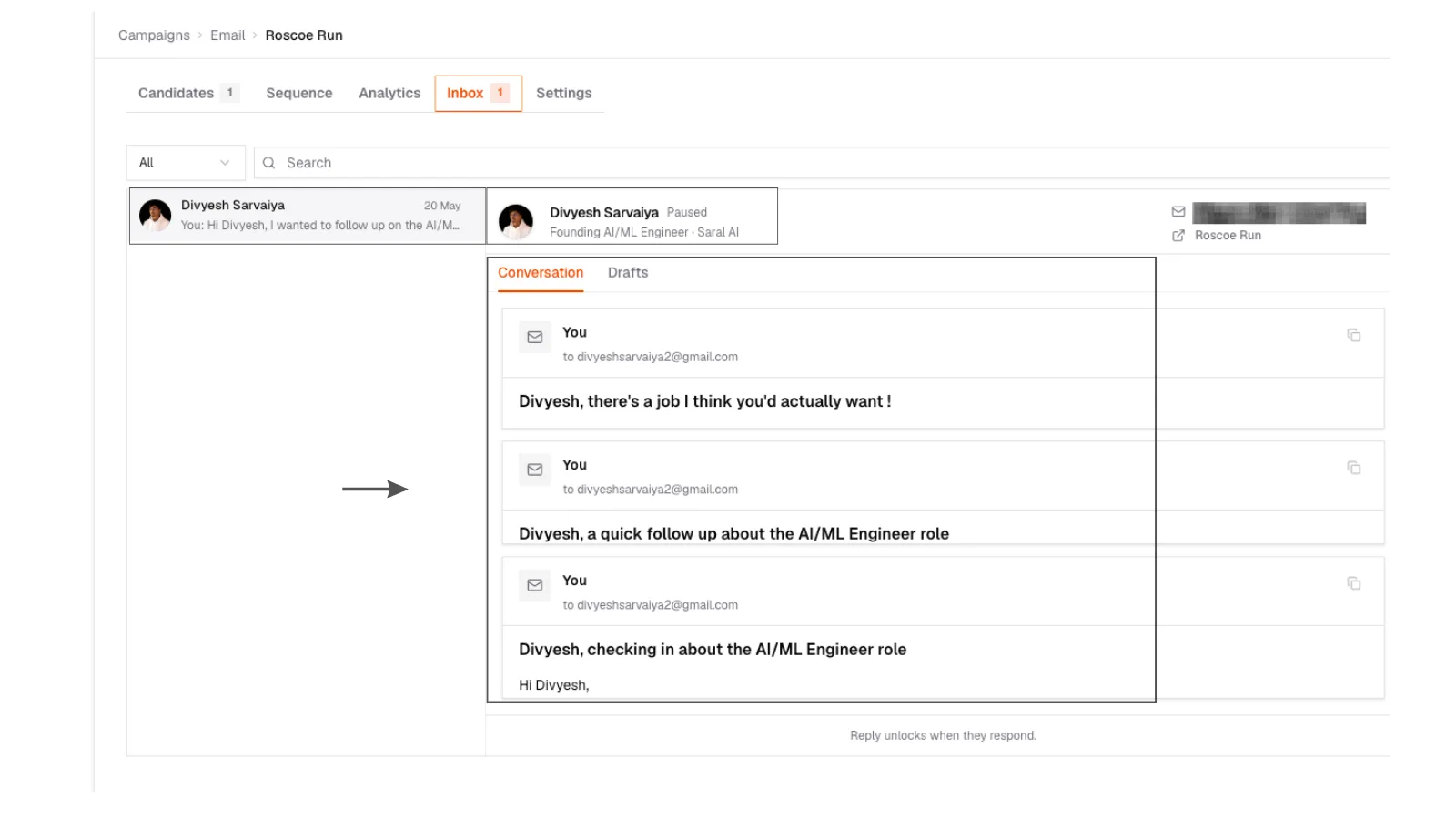
1. Reply thread
Outreach inbox with a candidate list on the left and a full email thread on the right.
1. Reply thread
Outreach inbox with a candidate list on the left and a full email thread on the right.
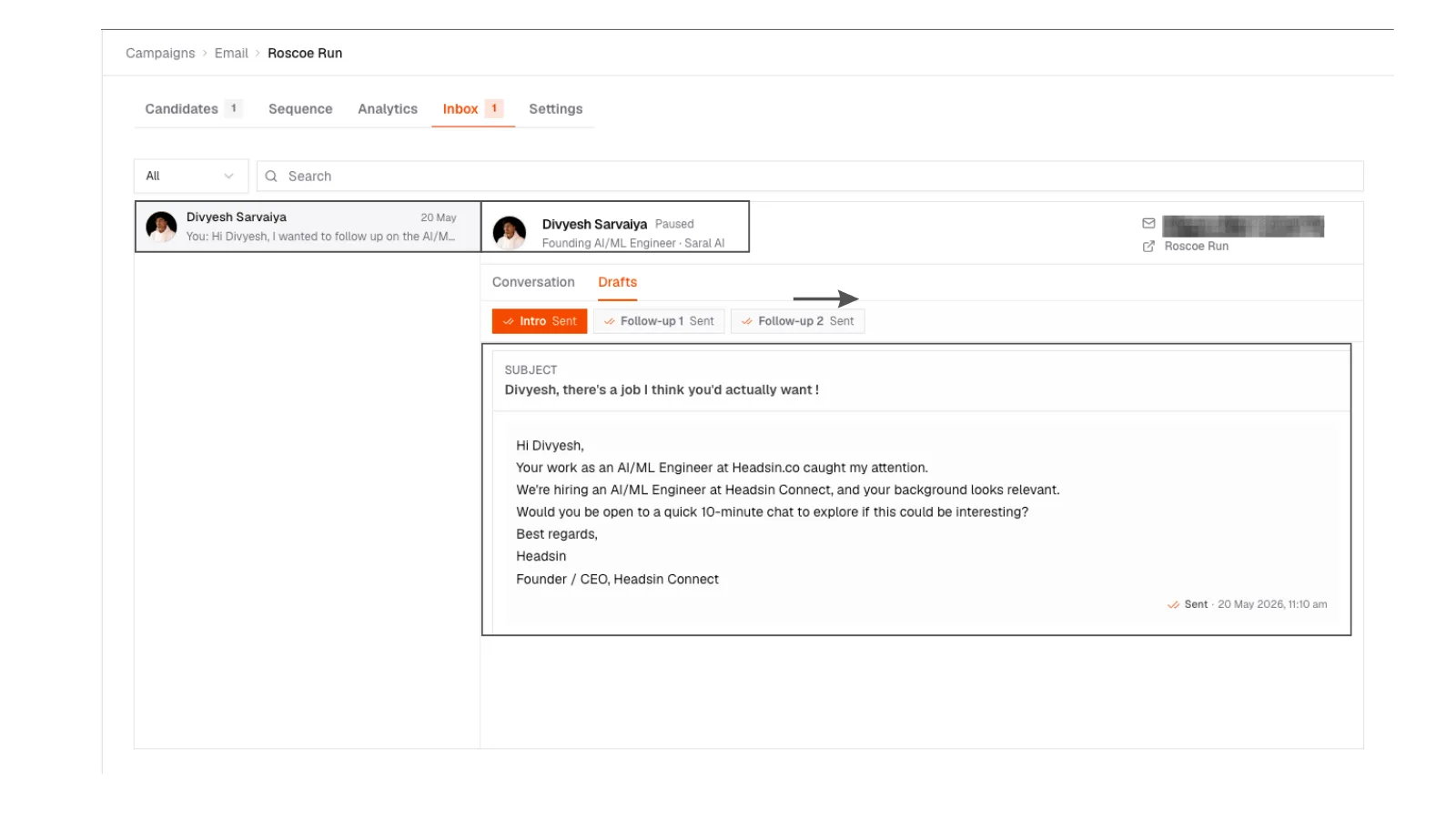
2. Reply from SARAL
Inbox reply composer staying in the same email thread as the campaign send.
2. Reply from SARAL
Inbox reply composer staying in the same email thread as the campaign send.
What you can do
- Search for a person or a line of the thread
- Read the whole conversation in order
- Reply from SARAL. It stays in the same email thread
- Mark a thread read or archive it (this is saved on the server, not just in this browser)
3. Empty inbox
Empty outreach inbox with a short message that replies will appear here after a campaign gets answers.
3. Empty inbox
Empty outreach inbox with a short message that replies will appear here after a campaign gets answers.
If replies are not showing up, check that the mailbox used to send is still connected. A disconnected inbox is the usual culprit.