
Troubleshooting
The usual breakages. Login, empty lists, missing replies, and what to try first.
Try these before you write us. If you are still stuck, get support and say what you already tried.
I cannot sign in
Check the login method
Google and email are different doors. Use the one you signed up with. There is no LinkedIn sign-in.
Reset the password
On the login page, use Forgot password. Check spam for the link.
Verify the email
A new email account that never clicked the confirm link will bounce off the app.
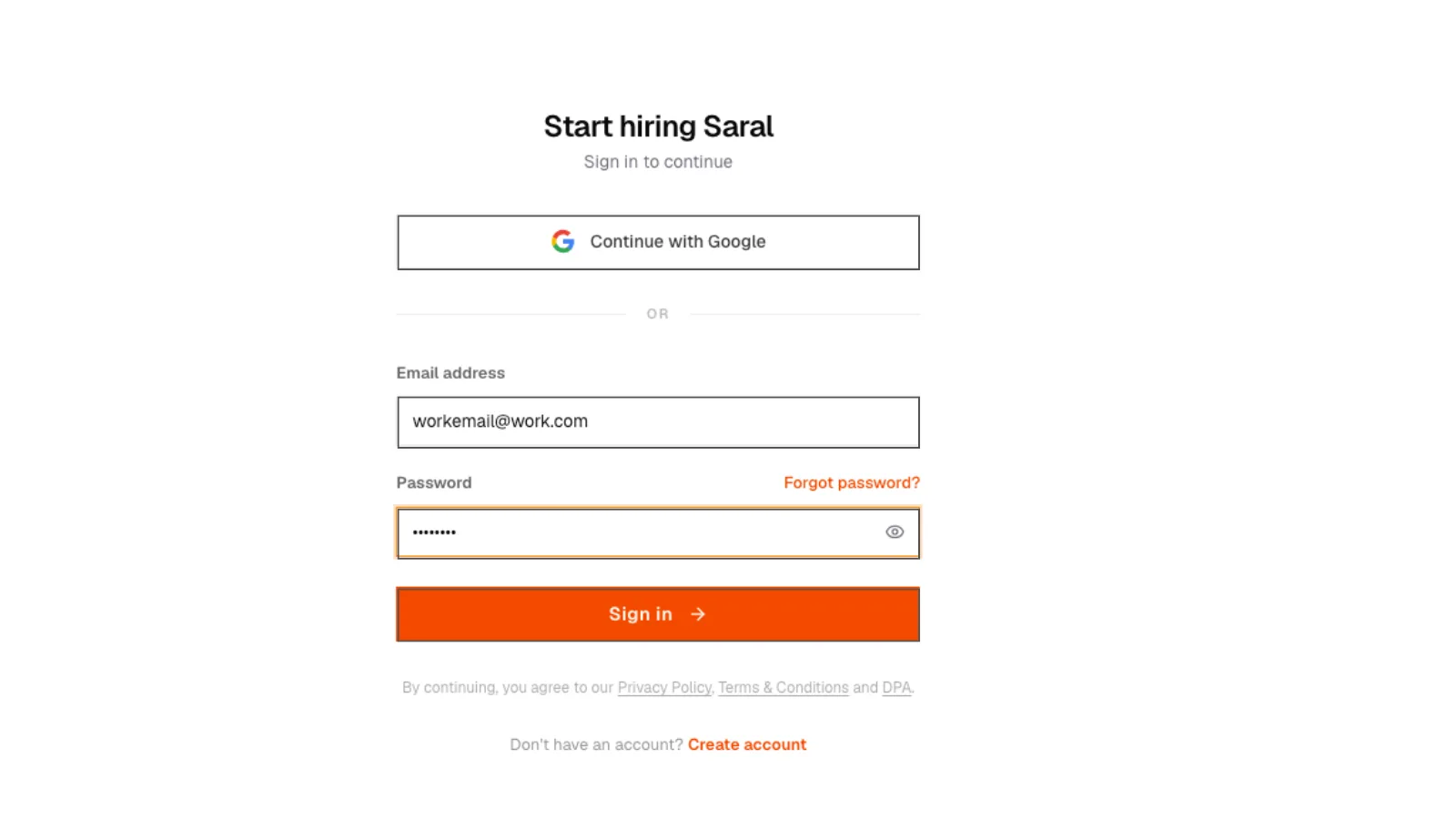
1. Sign in
SARAL login page with Google and email sign-in options.
1. Sign in
SARAL login page with Google and email sign-in options.
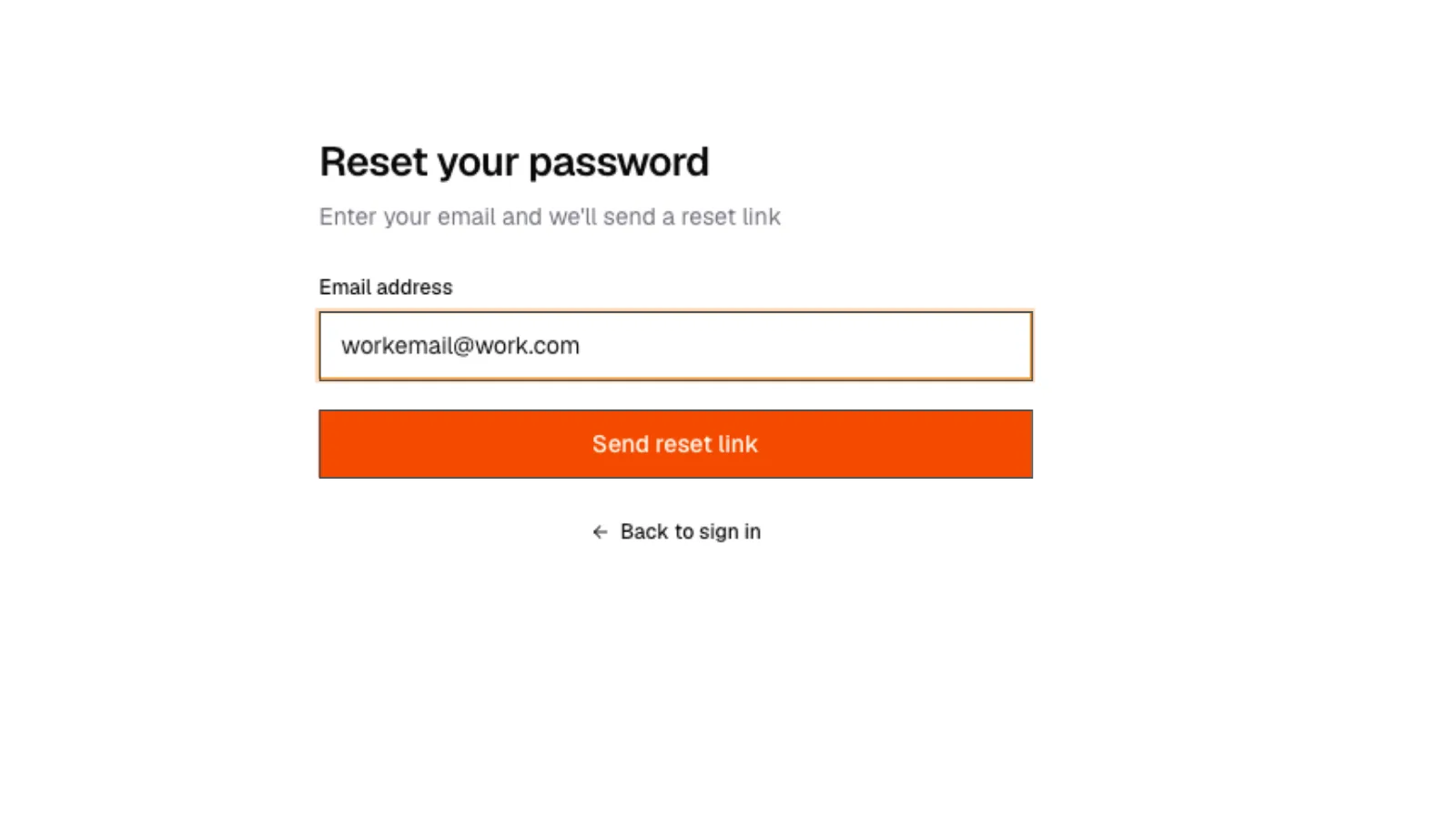
2. Forgot password
Forgot password flow on the SARAL login page.
2. Forgot password
Forgot password flow on the SARAL login page.
Search is blocked
Finish workspace setup. Search stays closed until those three steps are submitted.
The list is empty or tiny
- Wait. The search may still be expanding
- Add a city or remove an extra must-have, not both at once
- Check Active Filters on Review
- Confirm you still have credits
3. Thin results
Results page with a small number of rows and an expanding or still-looking status, not a hard error.
3. Thin results
Results page with a small number of rows and an expanding or still-looking status, not a hard error.
Unlock says no email / no phone
Retry once. If it is still empty, skip that person. No charge for an empty lookup.
Campaign will not start
- A draft is missing
- Start time is not set (email)
- Mailbox is not connected (email)
- Someone still has no email and you are trying to send anyway
- Working days is on and the start date is a weekend
Replies are not in the inbox
Reconnect your mailbox. Ask the person to check spam. Confirm they replied to the SARAL-sent thread, not a forward.
Payment or plan looks wrong
Open Billing. If a charge succeeded and the plan did not move, send support the approximate time and last four digits. Never the full card number.