
Invoices and your subscription
Change plan, download invoices, update payment, or cancel, all from Billing.
Plans & Billing is the source of truth for money. If this page and the app disagree, believe the app.
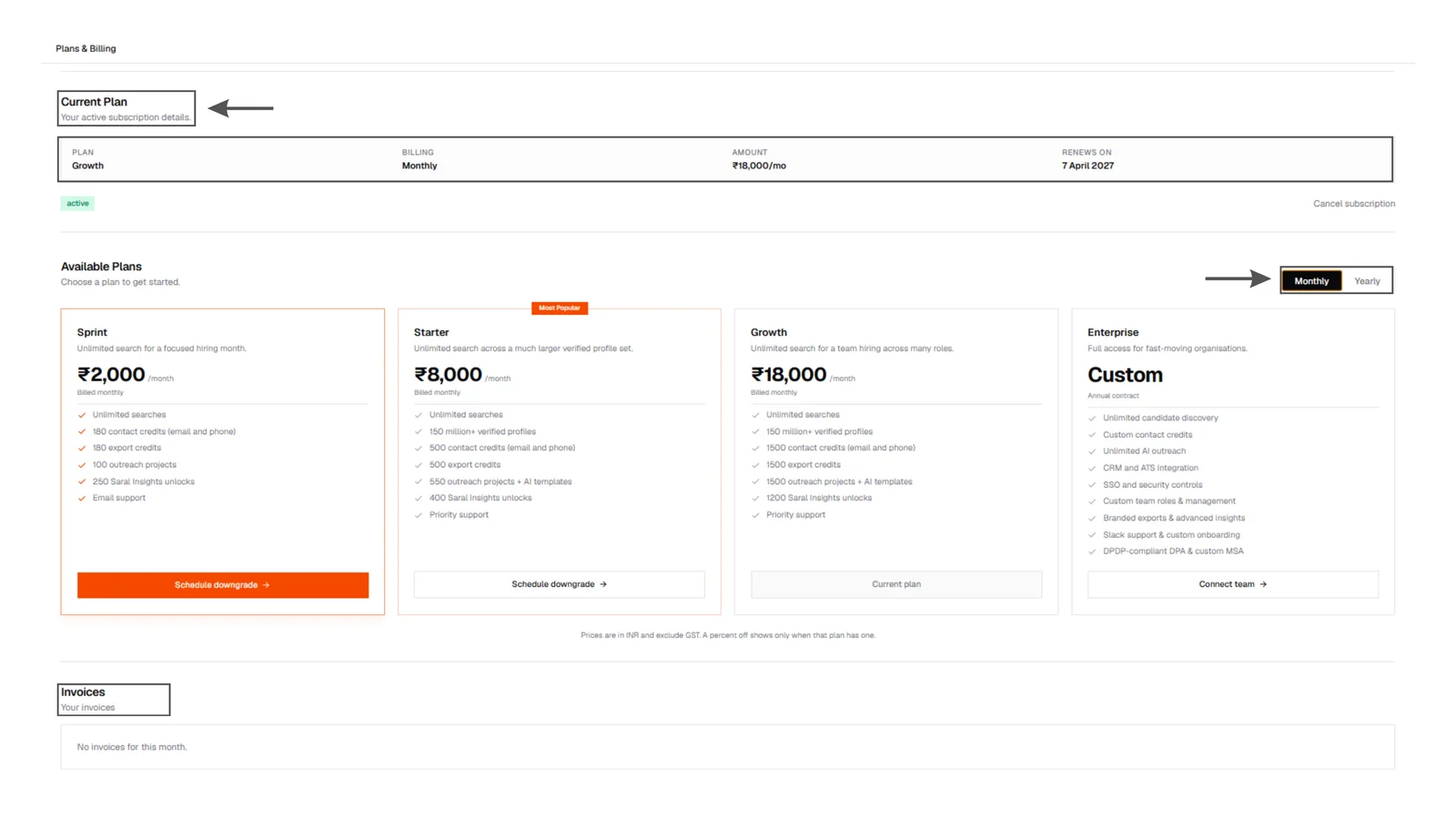
Current plan and invoices
Billing page current-plan card: plan name, monthly price, next renewal, cancel-at-period-end if set, plus a transaction history with downloadable invoices.
Current plan and invoices
Billing page current-plan card: plan name, monthly price, next renewal, cancel-at-period-end if set, plus a transaction history with downloadable invoices.
What you can do here
- See the current plan, price, and next billing date
- Switch monthly / annual (annual is cheaper per month)
- Upgrade or schedule a change
- Buy a credit top-up (never expires)
- Read transaction history and download invoices
- Cancel at period end. You keep access until the date on the card
Treat payment details like production access. Only people who should spend company money should open Billing.
If a payment fails
The app will tell you the account is paused or the payment needs a retry. Update the card on Billing, then write to support if access does not return after a successful charge.