
Set up your workspace
A one-time setup. Company, goals, and how you hire, so search can open.
The first time you sign in, SARAL asks three short questions. You are telling it who you are and what you hire for. You do this once.
Until you finish, search stays locked.
The three steps
Company
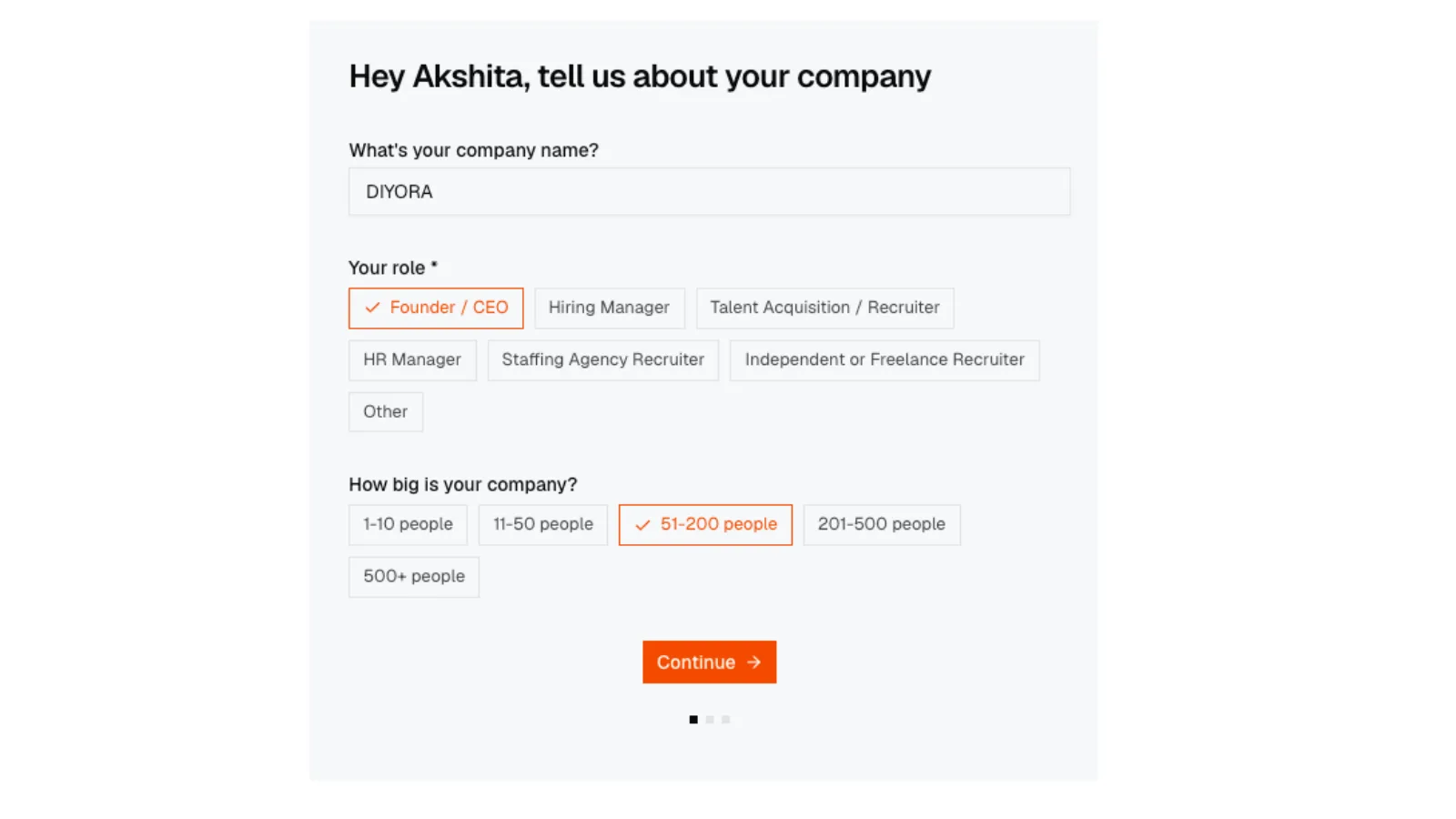
- Company name
- Your role (Founder / CEO, Hiring Manager, Talent Acquisition / Recruiter, HR Manager, Staffing Agency Recruiter, Independent or Freelance Recruiter, or Other)
- Company size (1-10 through 500+ people)
1. Company
Onboarding on the Company step: company name, role chips, and company size, with Continue.
1. Company
Onboarding on the Company step: company name, role chips, and company size, with Continue.
Goals
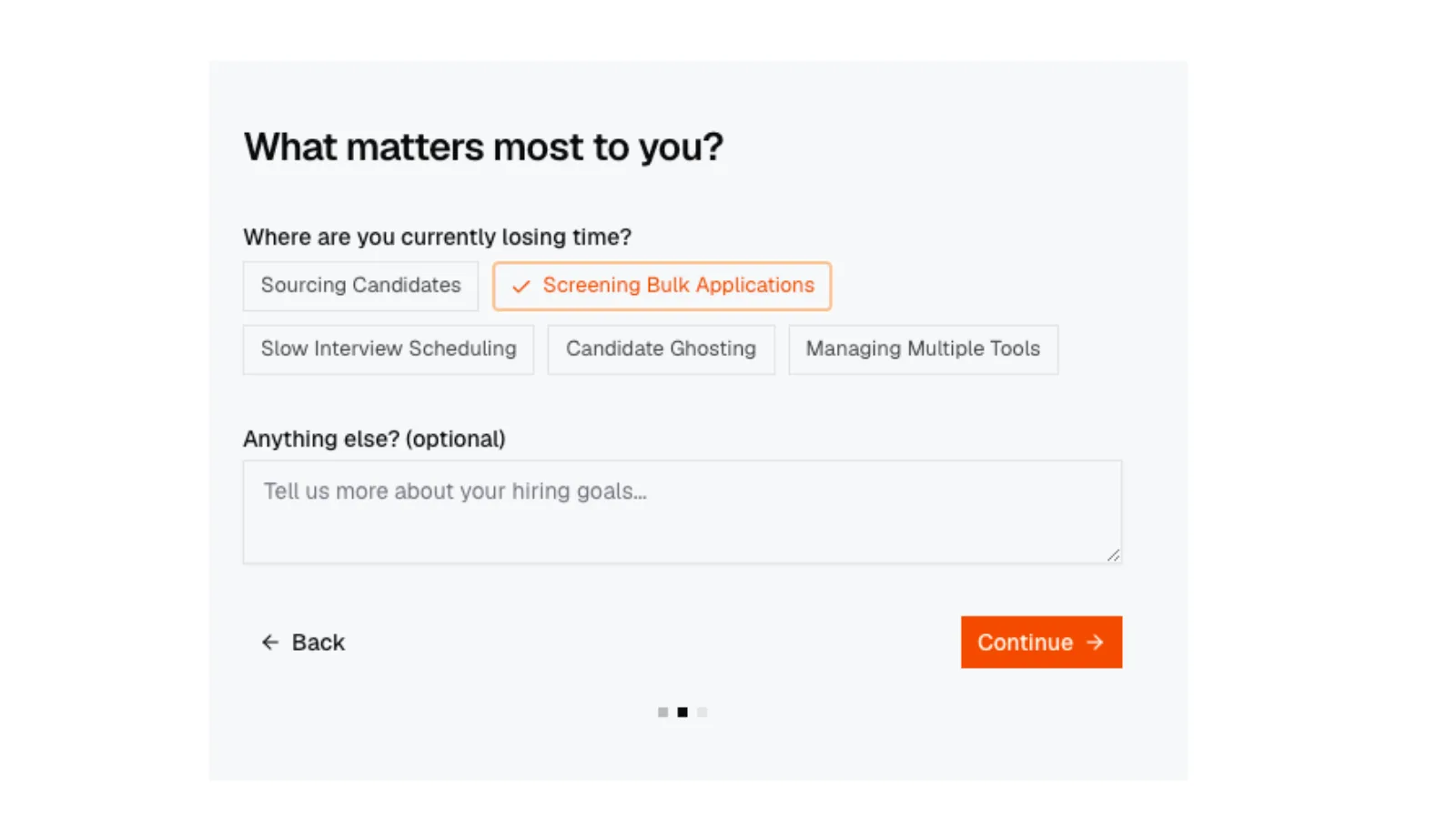
Where are you currently losing time? Pick one or more: sourcing, screening bulk applications, slow interview scheduling, candidate ghosting, or managing multiple tools. Optional notes at the bottom.
2. Goals
Onboarding Goals step with time-loss chips and optional notes.
2. Goals
Onboarding Goals step with time-loss chips and optional notes.
3. Goals (notes)
Onboarding Goals step with notes field filled in before Continue.
3. Goals (notes)
Onboarding Goals step with notes field filled in before Continue.
Hiring
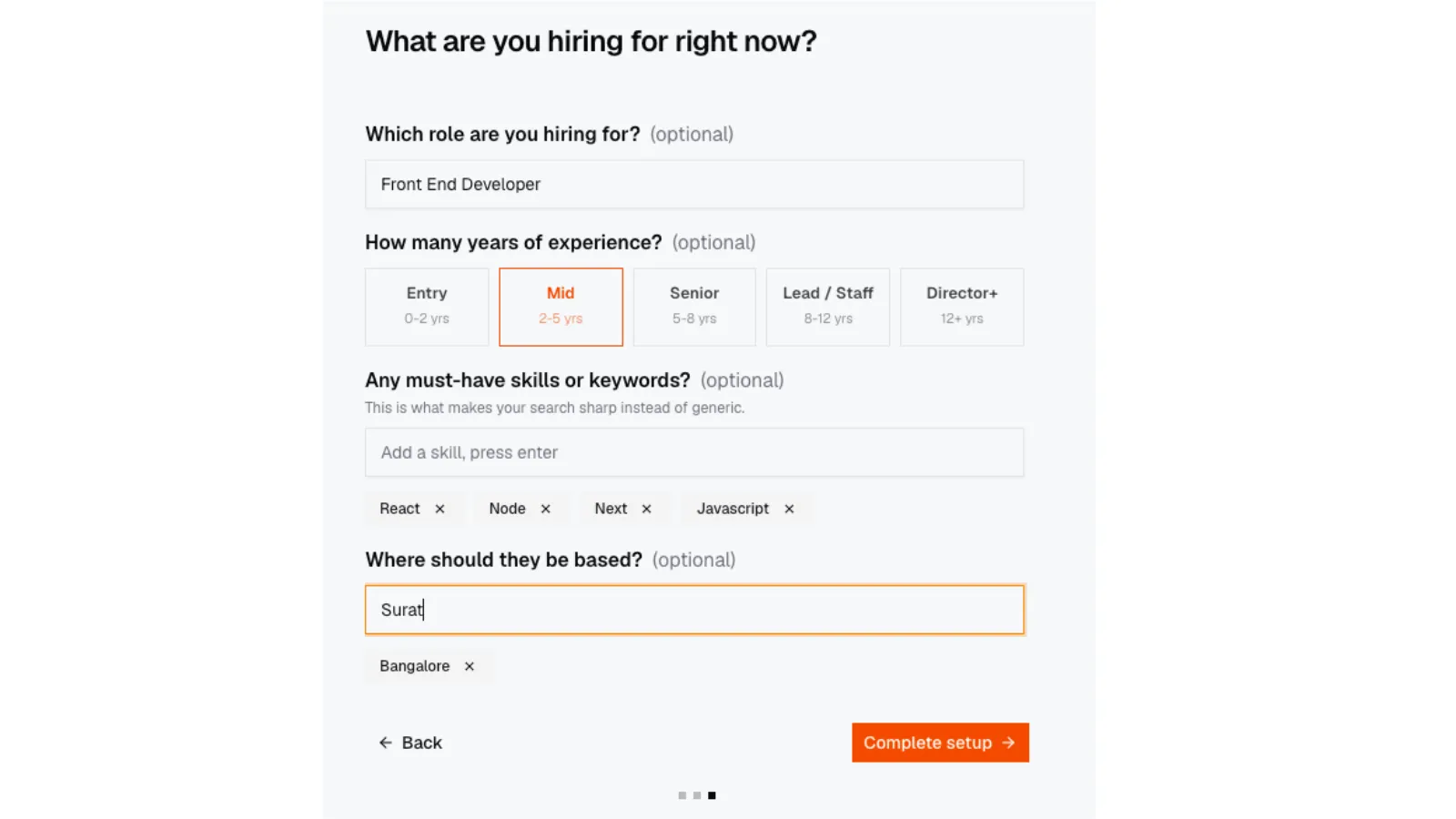
The screen says this becomes your first search. You can change everything later.
- Role you are hiring for (optional)
- Years of experience (Entry 0-2, Mid 2-5, Senior 5-8, Lead / Staff 8-12, Director+ 12+)
- Must-have skills, up to five
- Locations, up to three (for example Bangalore, Remote)
A screenshot of the Hiring step is not in this docs release yet. Capture the screen with role, experience chips, skills, locations, and Complete setup, then add vis-onboarding-hiring.webp to the repo.
Click Complete setup on Hiring. The whole form submits together. You land on search. If you named a role, that sentence may already sit in the box.
This setup is one-time. Treat the answers as a snapshot of how you hire now. If your company name on invoices needs to change later, use Billing and account settings.
Then what?
The useful next click is Your first search. One good query beats ten vague ones.
If you already have a job description file, use JD Search instead of typing.