
Integrations
Connect a mailbox to send, and Zoho Recruit to pull jobs and send people back.
Integrations are the two doors most teams actually need: mail out, jobs in.
Open Integrations in the sidebar, or Outreach → Mailbox for email only.
Integrations catalog
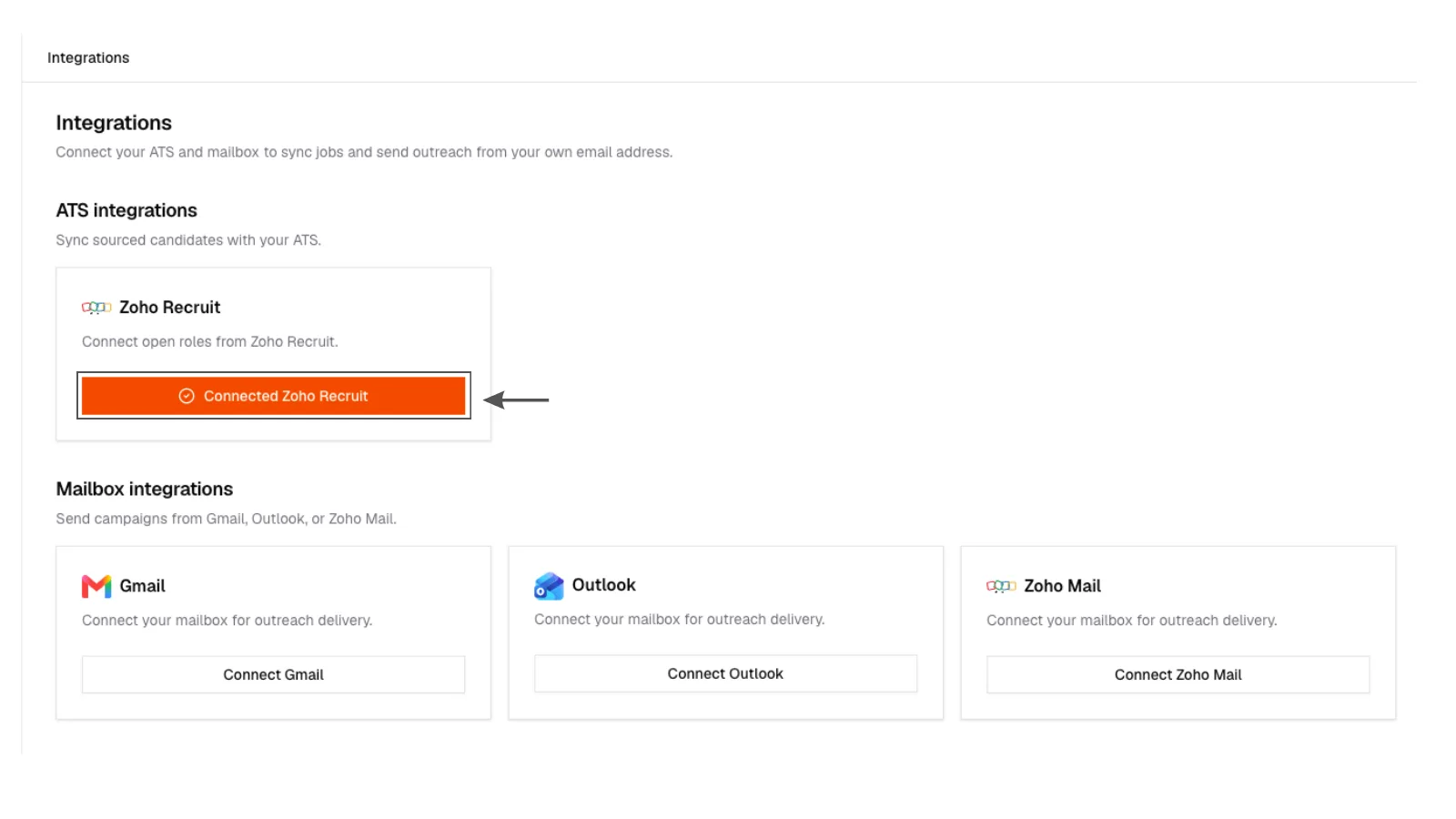
Integrations page listing mailbox (Gmail, Outlook, Zoho Mail) and ATS (Zoho Recruit) with connected or connect states.
Integrations catalog
Integrations page listing mailbox (Gmail, Outlook, Zoho Mail) and ATS (Zoho Recruit) with connected or connect states.
Mailbox
Connect Gmail, Outlook, or Zoho Mail. Sending status should read Connected before you start an email campaign.
If the connection drops, reconnect from the same page. Replies will not land in the inbox from a mailbox that is not connected.
ATS, Zoho Recruit
Connect Zoho Recruit to sync open jobs and send shortlisted people back. Connecting does not spend credits.
Need Greenhouse, Lever, or another ATS? That is an Enterprise conversation, not a silent extra tile.