
LinkedIn campaigns
A guided checklist. SARAL tells you the next LinkedIn action. You send it, then mark it done.
LinkedIn campaigns are for teams that still work the network by hand. SARAL does not send connection requests for you today. It keeps the plan, the notes, and the who's next list honest.
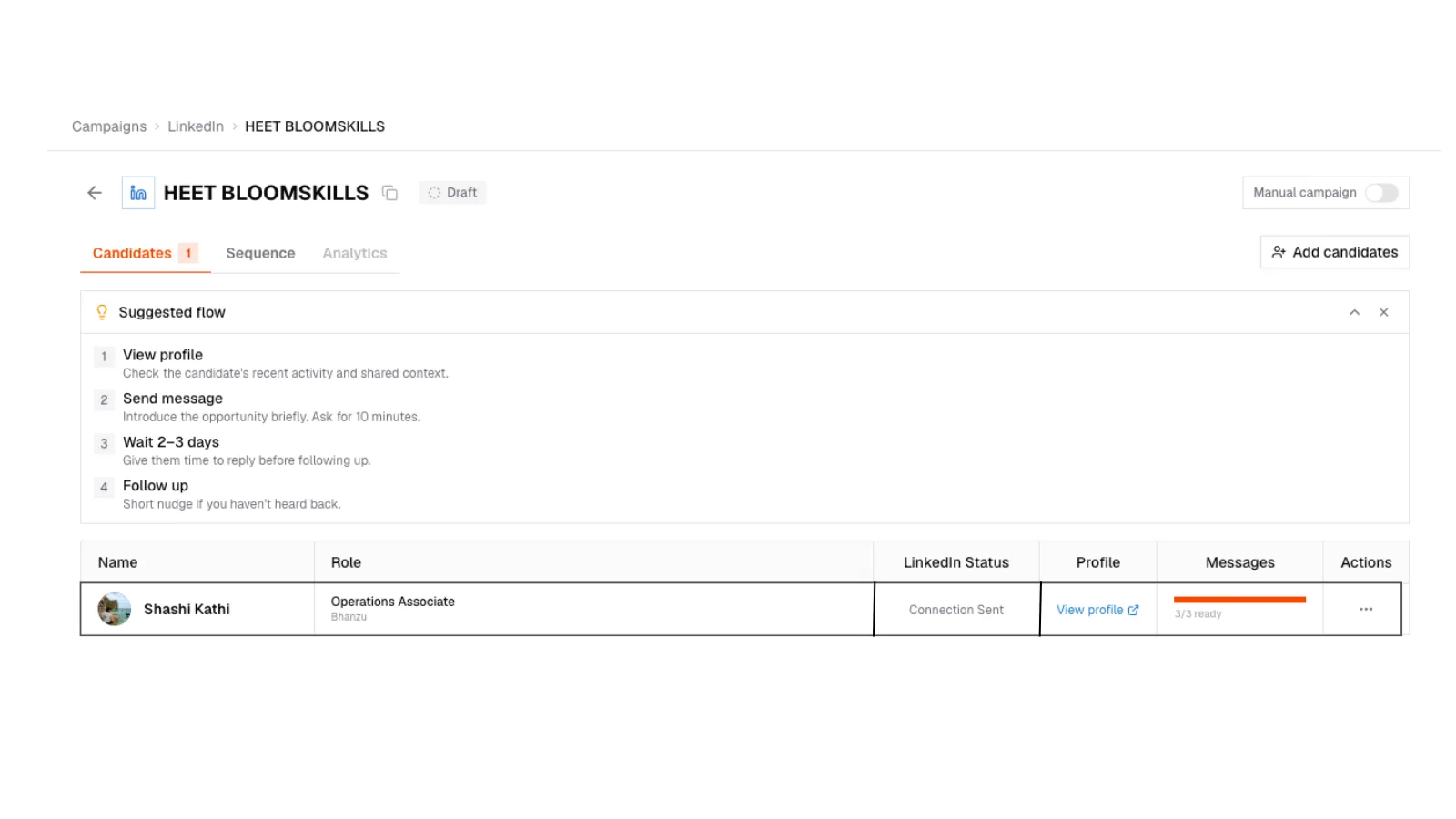
LinkedIn step checklist
LinkedIn campaign for one candidate: current step such as Send connection request, Mark as done, Skip, Replied, and an optional note field.
LinkedIn step checklist
LinkedIn campaign for one candidate: current step such as Send connection request, Mark as done, Skip, Replied, and an optional note field.
How a day of LinkedIn outreach looks
Open the campaign
Each person shows their current step. Send a connection request to Aarav, or message after they accept.
Do the action on LinkedIn
Write it there. Then come back to SARAL.
Mark it done
Add a note if you want (mentioned their React work). The note lives on the conversation thread.
Skip or mark replied
Already connected? Skip. They wrote back on LinkedIn? Mark Replied and paste what they said. Remaining steps cancel, same as email.
Statuses you will see include Not Started, Connection Sent, Connected, Message Sent, Follow-up Sent, InMail Sent, Interview Scheduled, and Not Interested.
Automated LinkedIn sending is not on this path yet. If you need volume on LinkedIn, use the checklist in focused batches rather than pretending it is a firehose.
Email remains the channel that can run while you are in a meeting. See Sequences.